Development of a simple CosmoApps web application from scratch using no-code technology
CosmoApps is a next-generation web and mobile application development system that allows using only a web browser to develop serverless cloud applications deployed in the Microsoft Azure cloud.
Unlike systems such as 1C Bitrix, the emphasis is on automating the process of developing the application interface and excluding, where possible, writing program code. An application is a set of descriptions of objects (documents) of the application and the application as a whole (menu structure, security system, etc.). Thus, to develop an application, you do not need to be a specialist in PHP or ASP .NET – basic knowledge of JavaScript is enough to develop the structure and interface of the application.
When developing an application, you do not need to operate not only with HTML tags, but even with individual web components – the CosmoApps system takes care of all the work here, while the developer concentrates on non-standard tasks.
Application data is stored in the Cosmos DB document database. The use of a documentary database provides the ability to store objects (documents) of an arbitrary structure – any correct JSON can be saved as a document and automatically indexed by all its properties (fields). Each application is allocated a separate section in the collection of documents, which allows you to work with data from a huge number of applications independently and without delay, while making optimal use of resources.
Example of a document created in the CosmoApps constructor and saved to the document database
{
    "_partitionId": "44974c3a-110a-3847-4433-5eacca353974",
    "_type": "Order",
    "DocDate": "2018-10-25T21:00:00Z",
    "Number": "36708",
    "Description": "Here is an order",
    "Customer": {
        "id": "14d2a985-5556-aea8-2a67-2ca2c9b7efc1",
        "Name": "Animal farm",
        "_type": "Firm",
        "_defer": true
    },
    "Status": 0,
    "Rows": [
        {
            "_type": "Row",
            "Measure": 0,
            "Amount": 224000,
            "Price": 28000,
            "Quantity": 8,
            "Good": {
                "id": "68b23788-84f4-5583-4a54-8e871ea218c7",
                "Name": "Animal food",
                "_type": "Good",
                "_defer": true
            },
            "id": "d484332d-dbae-9984-f3d4-c47c7bdd81ae"
        }
    ],
    "id": "aae9bbce-4c80-3447-fe36-cd8bee004d15",
    "_rid": "fwgfAMrYcKqRAQAAAAAAAA==",
    "_self": "dbs/fwgfAA==/colls/fwgfAMrYcKo=/docs/fwgfAMrYcKqRAQAAAAAAAA==/",
    "_etag": "\"9000884b-0000-0100-0000-5d92012e0000\"",
    "_attachments": "attachments/",
    "_ts": 1569849646
}
In the above example, it can be seen that data from other types of documents can be included (in whole or in part) within a document...
Create an application
- Register on the portal cosmoapps.online or log in
- Go to the app builder page Application Builder
- In the upper left corner, click the "+" button – add a project
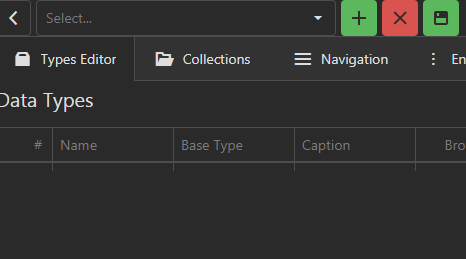
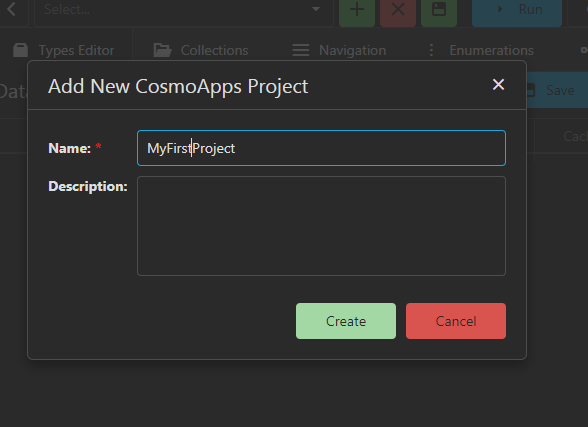
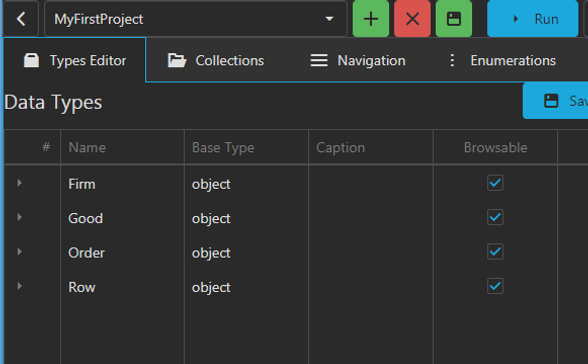
Your project has been created and will be saved to the project database...
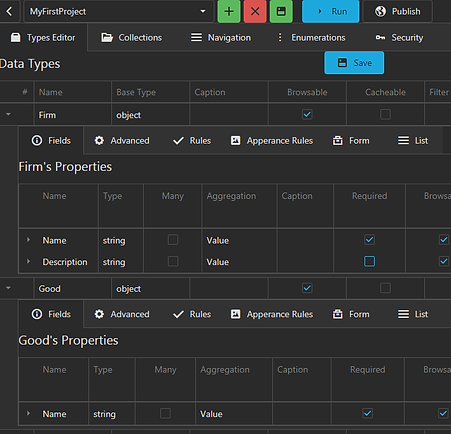
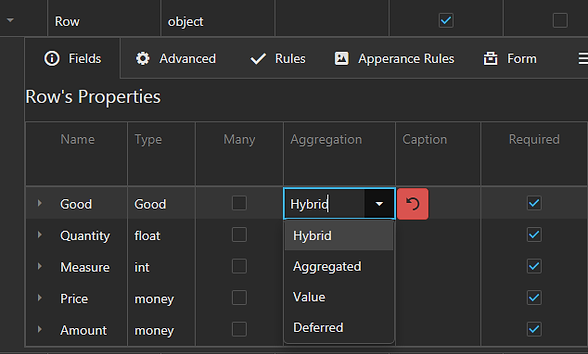
Description of the application data model
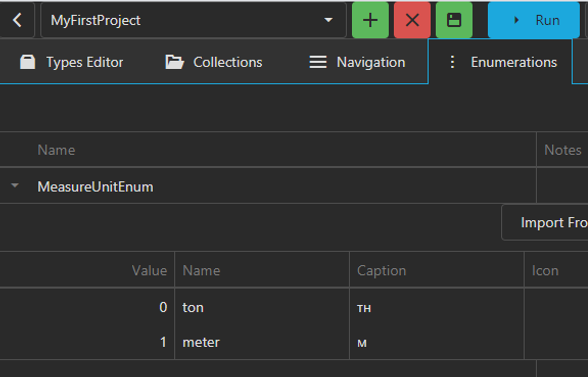
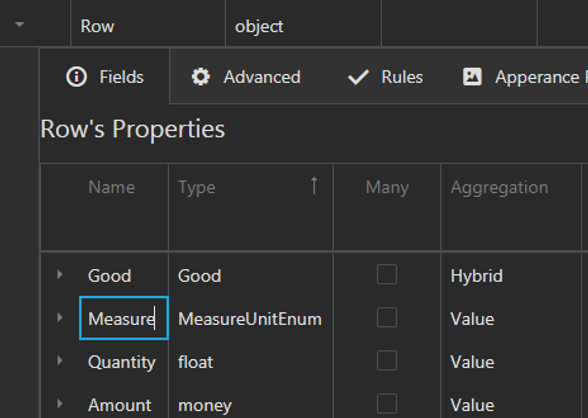
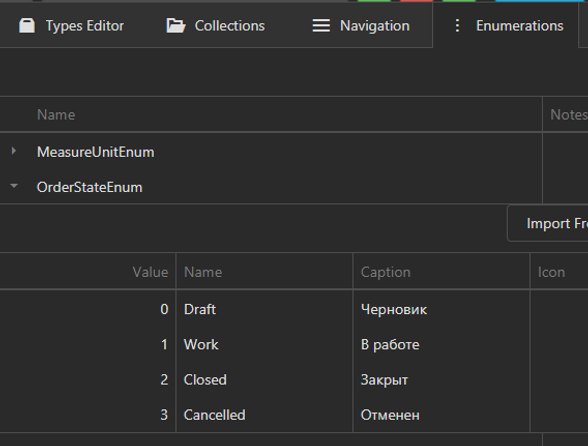
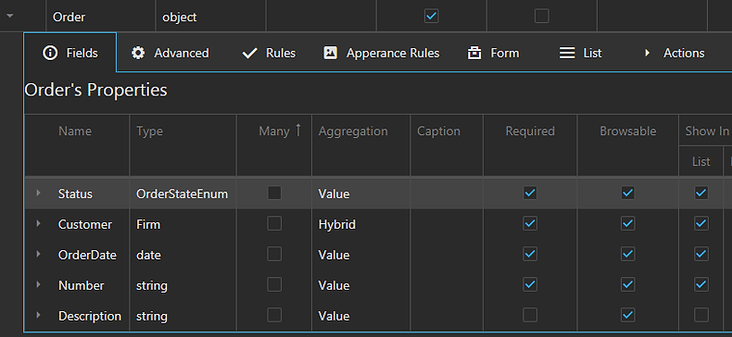
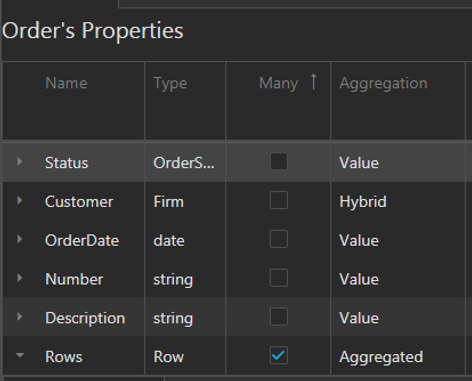
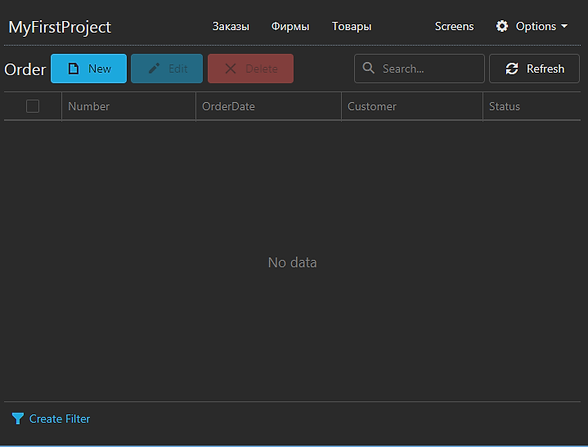
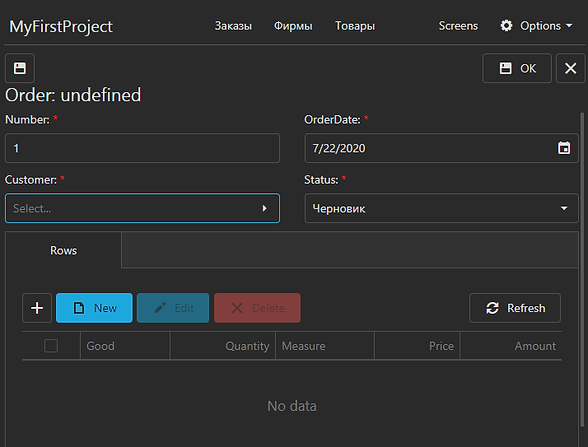
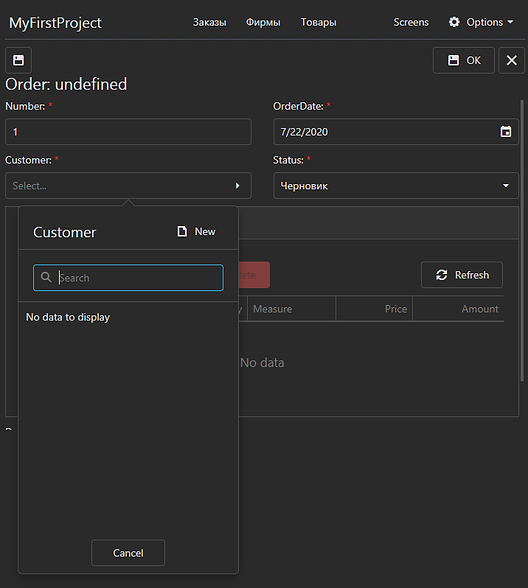
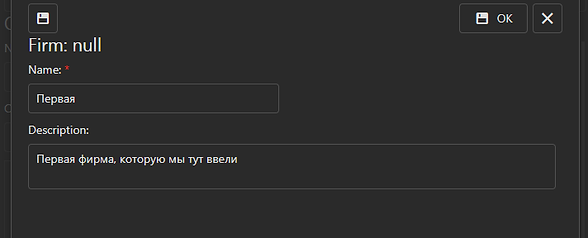
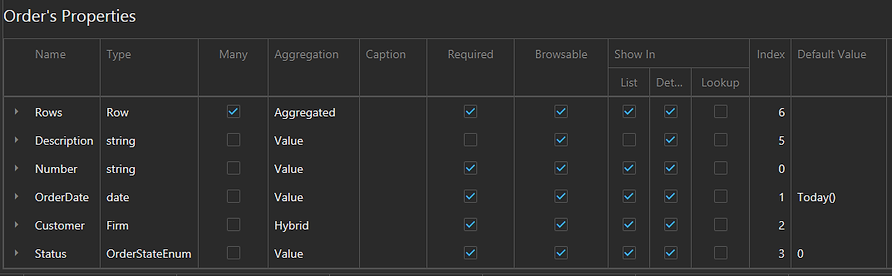
Enumerations and order example
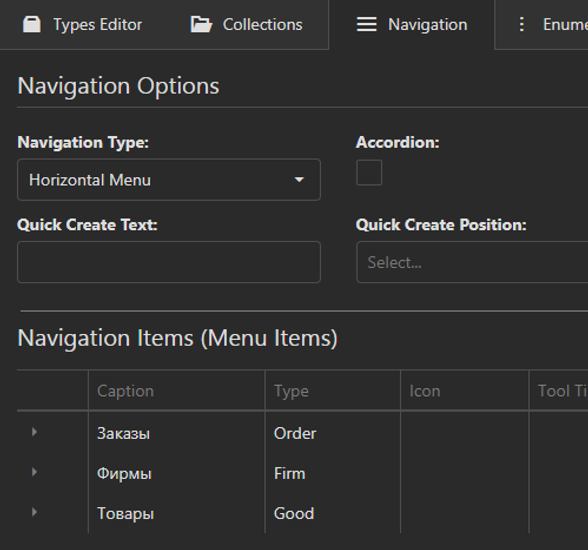
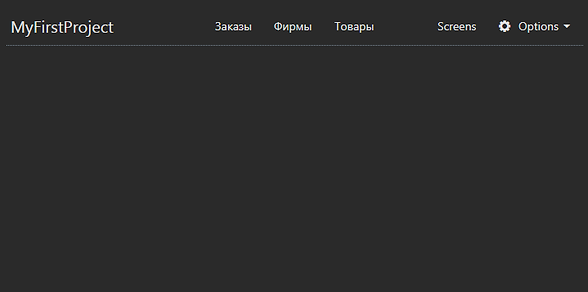
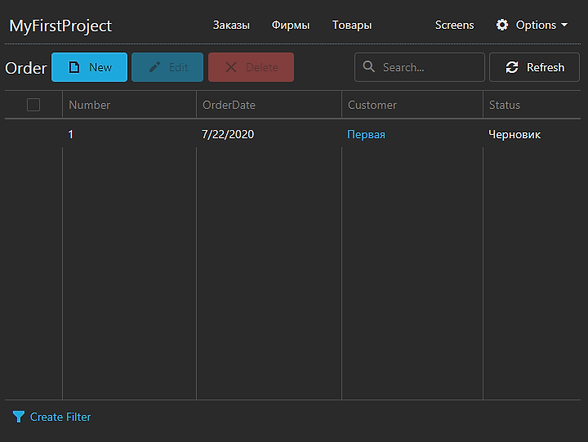
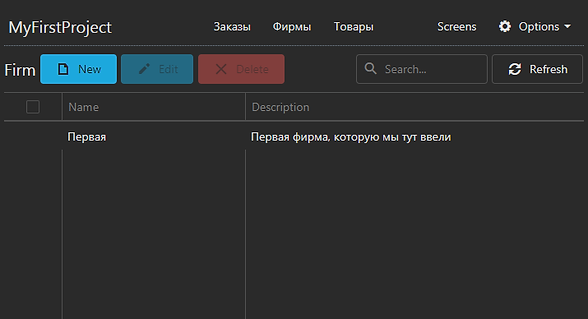
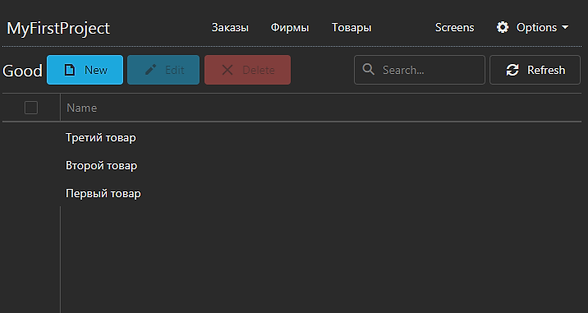
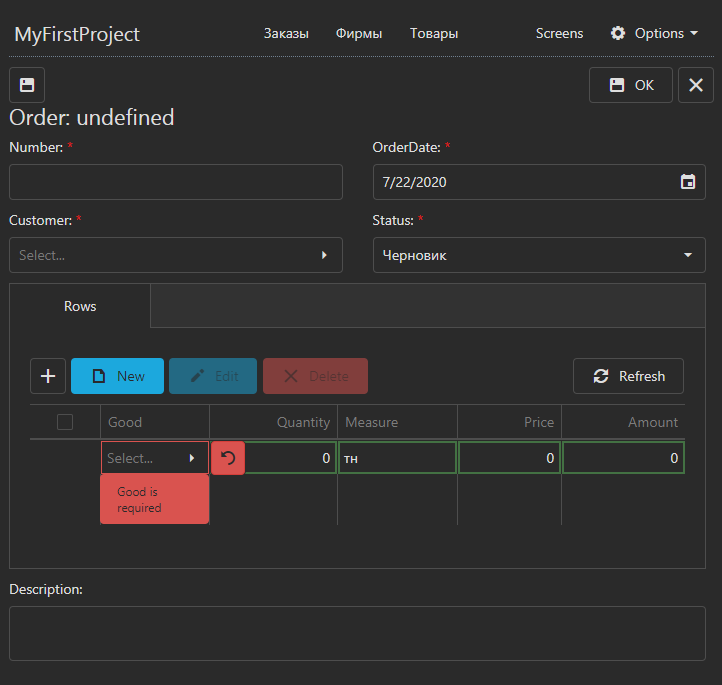
Navigation and running
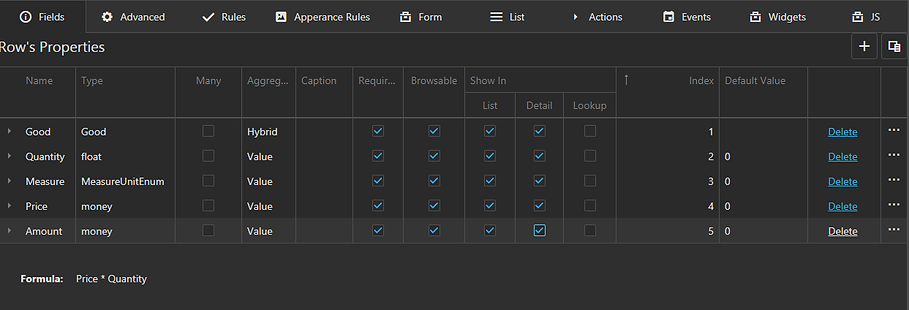
Form calculations
©2020-2024 CosmoApps · User agreement · Privacy policy